Why Is My iPhone Storage Full When I Have iCloud?
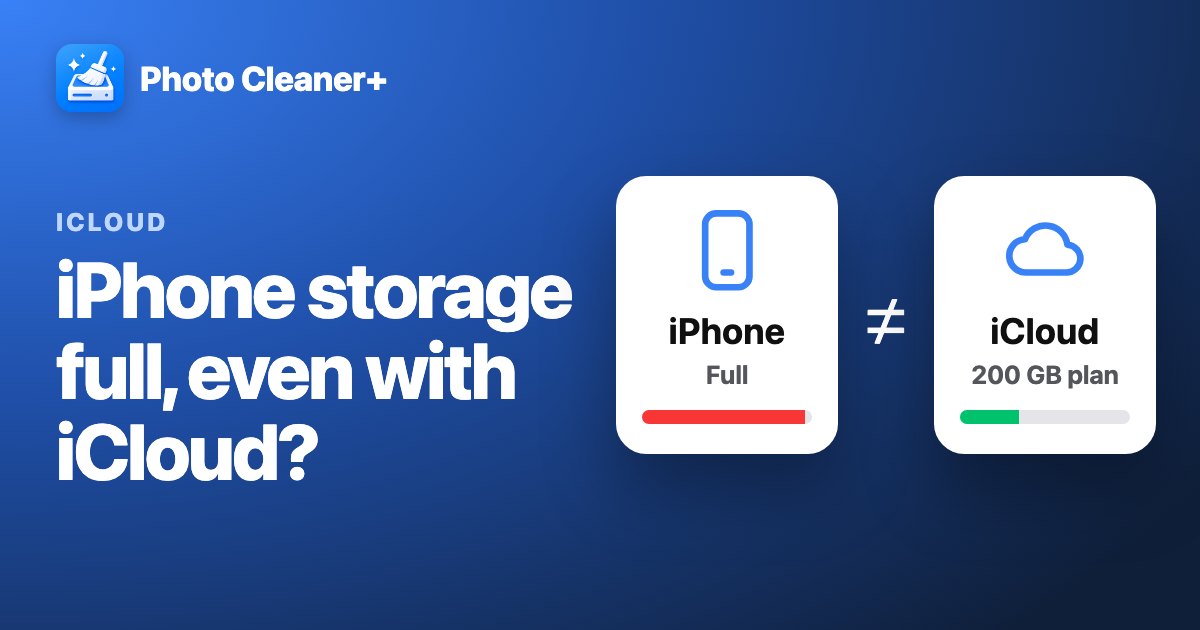
You pay for iCloud every month, maybe 200 GB or even 2 TB, and your iPhone still says Storage Almost Full. It feels like you're paying for space you aren't getting.
You're not doing anything wrong. iCloud just doesn't work the way most people expect. Here's what's going on, and how to make iCloud actually save space on your iPhone.
iCloud storage and iPhone storage are two separate things. iCloud only frees up space on your iPhone if iCloud Photos is on and Optimize iPhone Storage is selected, and even then only for photos and videos. Apps, messages and System Data stay on your iPhone no matter how much iCloud storage you have.
iPhone storage and iCloud storage are different things
| iPhone storage | iCloud storage | |
|---|---|---|
| What it is | The storage inside your phone, e.g. 128 GB or 256 GB | Online storage on Apple's servers: 5 GB free, more with iCloud+ |
| What's on it | Everything your iPhone uses: apps, photos, messages, iOS itself | Backups, iCloud Photos, iCloud Drive, and data synced by apps |
| Can you add more? | No, it's fixed when you buy the phone | Yes, by upgrading your plan |
Buying more iCloud storage gives you more room online. It never adds a single gigabyte to your iPhone. The only way it helps your iPhone is by letting your phone hand off your full-size photos and videos, and that has to be switched on.
Reason 1: iCloud Backup doesn't remove anything
Many people pay for iCloud mainly for backups. A backup is a copy of your iPhone. It protects you if you lose your phone, but everything stays on your iPhone too, so it doesn't free up any space.
Reason 2: Your iPhone keeps full-size originals of every photo
With iCloud Photos turned on, your iPhone can store your library in one of two ways:
- Download and Keep Originals: every photo and video is kept on your iPhone at full size. This uses the most space.
- Optimize iPhone Storage: the full-size originals are kept in iCloud, and your iPhone keeps smaller versions. When you open a photo, the original downloads in a moment.
To switch, go to Settings → Photos and choose Optimize iPhone Storage. On some iOS versions it's under Settings → [your name] → iCloud → Photos. If iCloud Photos isn't turned on yet, you'll need to turn it on first.
Reason 3: Your iCloud storage is full too
If iCloud is full, new photos can't upload. Photos that aren't uploaded can't be optimised, so they stay on your iPhone at full size. Check Settings → [your name] → iCloud. If the bar is full, free up some iCloud space (old backups of devices you no longer use are a good place to start) or upgrade your plan.
Reason 4: It isn't your photos at all
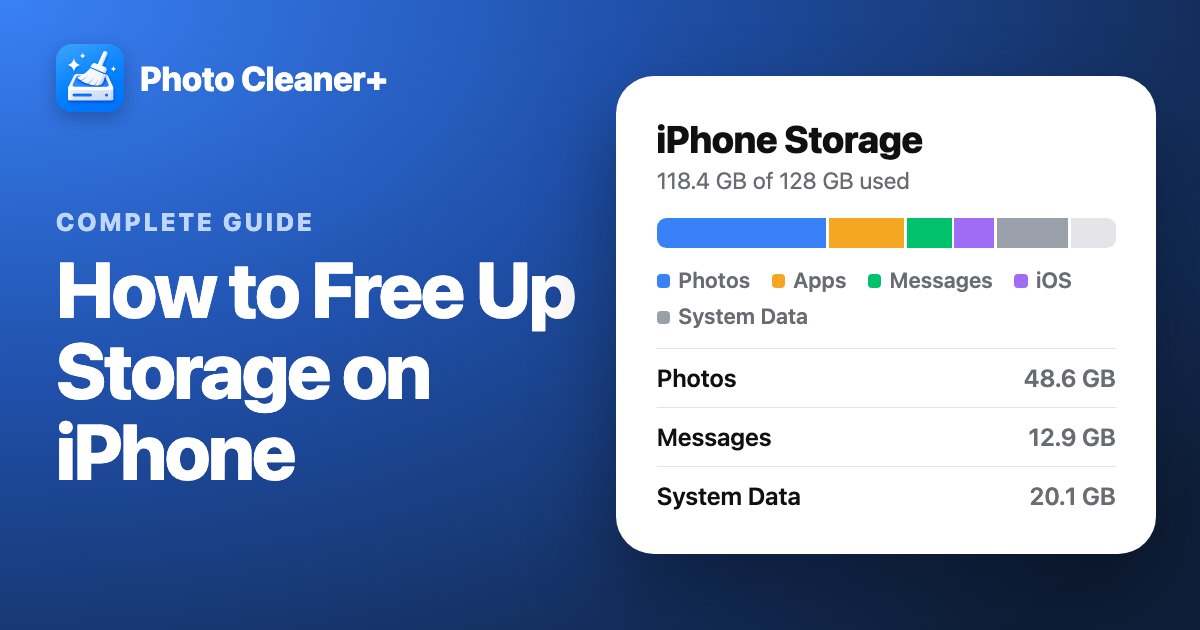
Open Settings → General → iPhone Storage and look at the coloured bar. If Photos isn't the biggest category, iCloud won't help much, because these stay on your iPhone:
- Apps and their data, such as downloaded shows, music, podcasts and chat apps like WhatsApp
- Messages, with years of photos, videos and voice notes
- System Data, the caches and temporary files iOS manages itself
Our complete guide to freeing up iPhone storage covers each of these step by step.
Reason 5: Deleted photos are still waiting in Recently Deleted
Deleted photos and videos stay in the Recently Deleted album for about 30 days, and they still count towards your storage. In Photos, go to Utilities → Recently Deleted, check there's nothing you need, and tap Select → Delete All.
Got an email saying your iCloud storage is full?
Be careful. Fake “iCloud storage full” emails are a common scam. They threaten that your photos will be deleted and push you to pay through a link. Apple shows real storage warnings on your iPhone and in Settings. Don't click links in these emails. Instead, open Settings → [your name] → iCloud to see how much space you really have.
Frequently asked questions
If I delete photos from my iPhone, are they still in iCloud?
Not if iCloud Photos is turned on. Deleting a photo on your iPhone deletes it from iCloud and your other devices once it leaves Recently Deleted. If iCloud Photos is off, an older iCloud backup may still contain it, but new backups won't, so don't rely on that.
Does buying more iCloud storage free up space on my iPhone?
Not directly. It only helps if you use iCloud Photos with Optimize iPhone Storage, which moves your full-size photos and videos to iCloud and keeps smaller versions on your iPhone.
Why isn't Optimize iPhone Storage freeing up space?
It only kicks in when your iPhone is low on space, and only for photos that have finished uploading. Make sure your iCloud storage isn't full, then leave your iPhone on Wi-Fi and charging for a while.
Can I move apps to iCloud?
No. Apps always run from your iPhone's own storage. What you can do is offload apps you rarely use: the app is removed but its data stays, and it reinstalls when you tap it. Here's how.
Will duplicates in my library take up iCloud space too?
Yes. Every copy counts towards both your iPhone and your iCloud storage. Merging them saves space in both places. See how to delete duplicate photos on iPhone.
Keep reading
 Complete guide
How to Free Up Storage on iPhone: 11 Ways That Actually Work
iPhone storage full? Find out what's really using the space, then work through 11 proven fixes for photos, videos, apps, messages and System Data.
Read guide → Photos
 Still Taking Up Space After Deleting? 6 Reasons and Fixes
Deleted photos but iPhone storage didn't change? The six usual reasons, from Recently Deleted to hidden photos and chat apps, and how to fix each.
Read guide →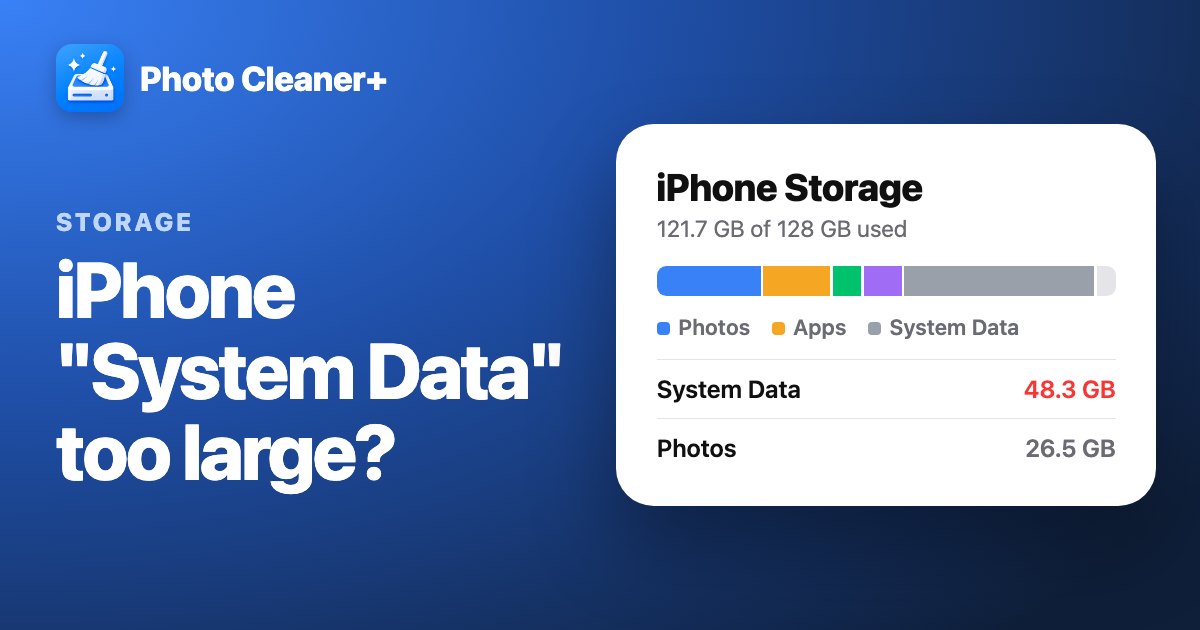 Storage
What Is "System Data" on iPhone, and How Can You Shrink It?
System Data can quietly grow to 20 GB or more. Here's what's inside it, why no app can delete it, and seven things that actually make it smaller.
Read guide →
See how much space you can free up
Photo Cleaner+ scans your photo library on your iPhone and shows what's taking up space. Free to download.