Photos Still Taking Up Space After Deleting? 6 Reasons and Fixes
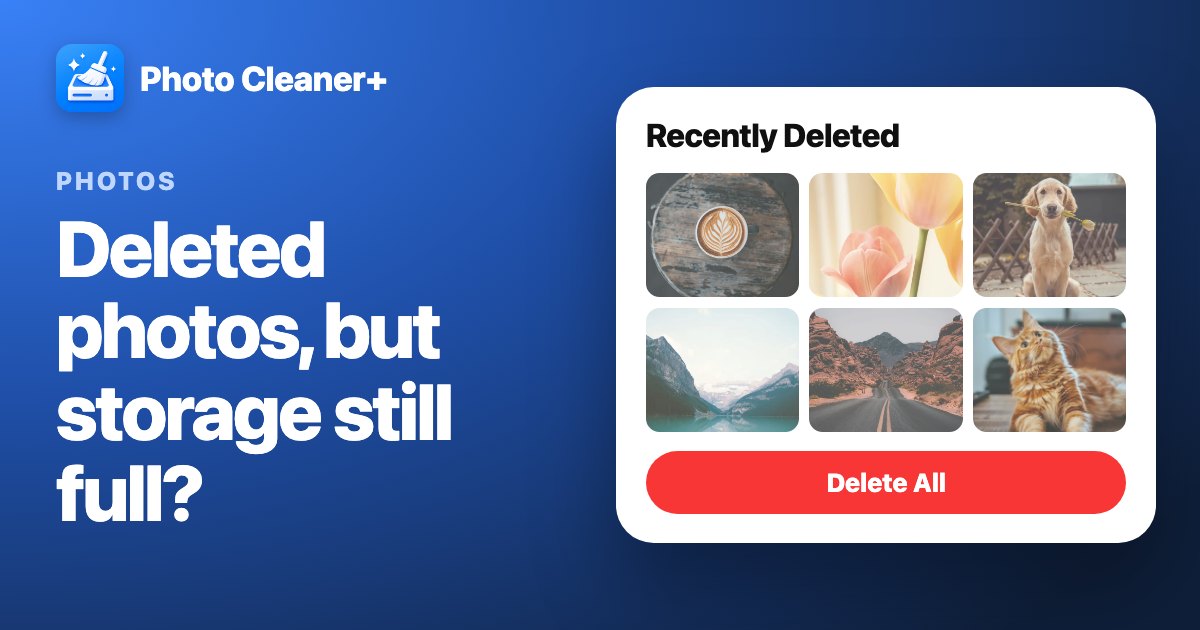
You spent half an hour deleting photos, opened Settings to admire the result, and… the storage bar barely moved. It's one of the most common iPhone frustrations, and there's almost always a simple explanation.
Here are the six usual reasons why photos keep taking up space after you delete them, in the order you should check them.
Deleted photos stay in Recently Deleted for about 30 days and still use space until you empty it. Also check that the storage bar has had time to update, that iCloud is set to Optimize iPhone Storage, and that the space isn't really being used by hidden photos, videos, or photos saved inside chat apps.
1. They're still in Recently Deleted
This is the reason nine times out of ten. Deleted photos and videos move to the Recently Deleted album and stay there for about 30 days, so you can recover them if you made a mistake. Until then, they still count towards your storage.
- Open Photos and go to Collections (on older iOS versions: Albums).
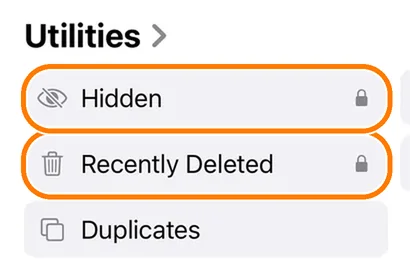
- Scroll down to Utilities and tap Recently Deleted. Unlock it with Face ID, Touch ID or your passcode.
- Check there's nothing you want to keep, then tap Select → Delete All.
2. The storage bar hasn't caught up yet
The coloured bar in Settings → General → iPhone Storage doesn't always update straight away. Close Settings, wait a few minutes and open it again. If it still looks wrong, restart your iPhone.
3. Your iPhone keeps full-size originals
If you use iCloud Photos with Download and Keep Originals, every photo and video is stored on your iPhone at full size, so deleting a handful barely makes a difference. Switch to Settings → Photos → Optimize iPhone Storage to keep smaller versions on your iPhone and the originals in iCloud. Our post on why your iPhone is full even with iCloud explains this in detail.
4. Hidden photos still count
Photos you've hidden don't show up in your library, but they're still on your iPhone. Open Utilities → Hidden in the Photos app to see them, and delete any you no longer need.
5. The space is used by videos, not photos
A single minute of 4K video can take more space than hundreds of photos. If you deleted photos but kept your videos, the Photos category won't shrink much. Look at your longest videos first, or compress the ones you want to keep. See how to compress videos on iPhone.
6. The photos are in a chat app, not in Photos
Photos and videos you receive in Messages, WhatsApp and other chat apps are stored inside those apps. Deleting them from your Photos library doesn't remove the copies in your chats. Check Settings → General → iPhone Storage and look at how much space Messages and your chat apps use. WhatsApp has its own storage manager under Settings → Storage and Data → Manage Storage.
Still full? Find what's really using the space
If none of the above explains it, the space is probably being used by something other than photos, like apps, downloads or System Data. Our complete guide to freeing up iPhone storage covers all of it, and our post on System Data explains the mysterious grey part of the storage bar.
Frequently asked questions
How long do deleted photos stay on my iPhone?
About 30 days, in the Recently Deleted album. After that they're removed automatically. You can empty the album yourself to free the space straight away.
Do deleted photos still take up iCloud storage?
Yes, while they're in Recently Deleted. With iCloud Photos, the album is shared across your devices, so emptying it frees space on your iPhone and in iCloud.
I emptied Recently Deleted. Why hasn't anything changed?
Give the storage screen a few minutes to recalculate, or restart your iPhone. If Photos still looks large, check whether iCloud is set to keep full-size originals on your iPhone.
Can I get photos back after emptying Recently Deleted?
Not from your iPhone. If you have a separate backup, for example on a computer, you may be able to restore them from there.
Keep reading
 Complete guide
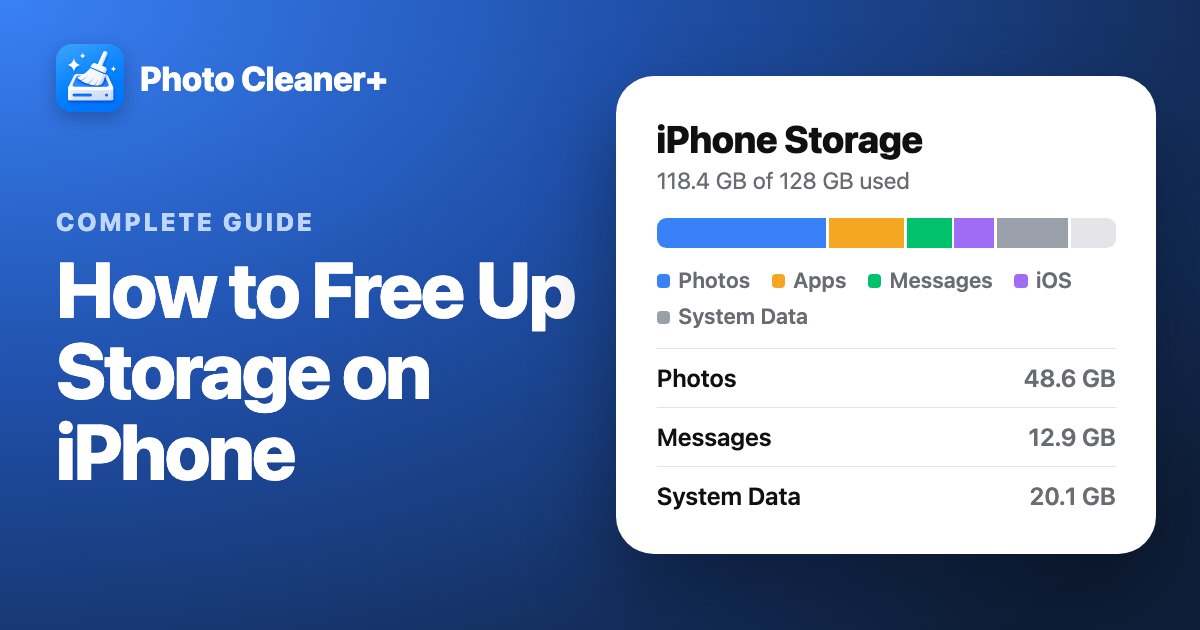
How to Free Up Storage on iPhone: 11 Ways That Actually Work
iPhone storage full? Find out what's really using the space, then work through 11 proven fixes for photos, videos, apps, messages and System Data.
Read guide → Photos
How to Delete Duplicate Photos on iPhone (Free, Step by Step)
Your iPhone can find and merge duplicate photos for free. Where to find the Duplicates album, what Merge does, and what to do about similar shots.
Read guide →
See how much space you can free up
Photo Cleaner+ scans your photo library on your iPhone and shows what's taking up space. Free to download.